Post Taxes for Exempted Accounts
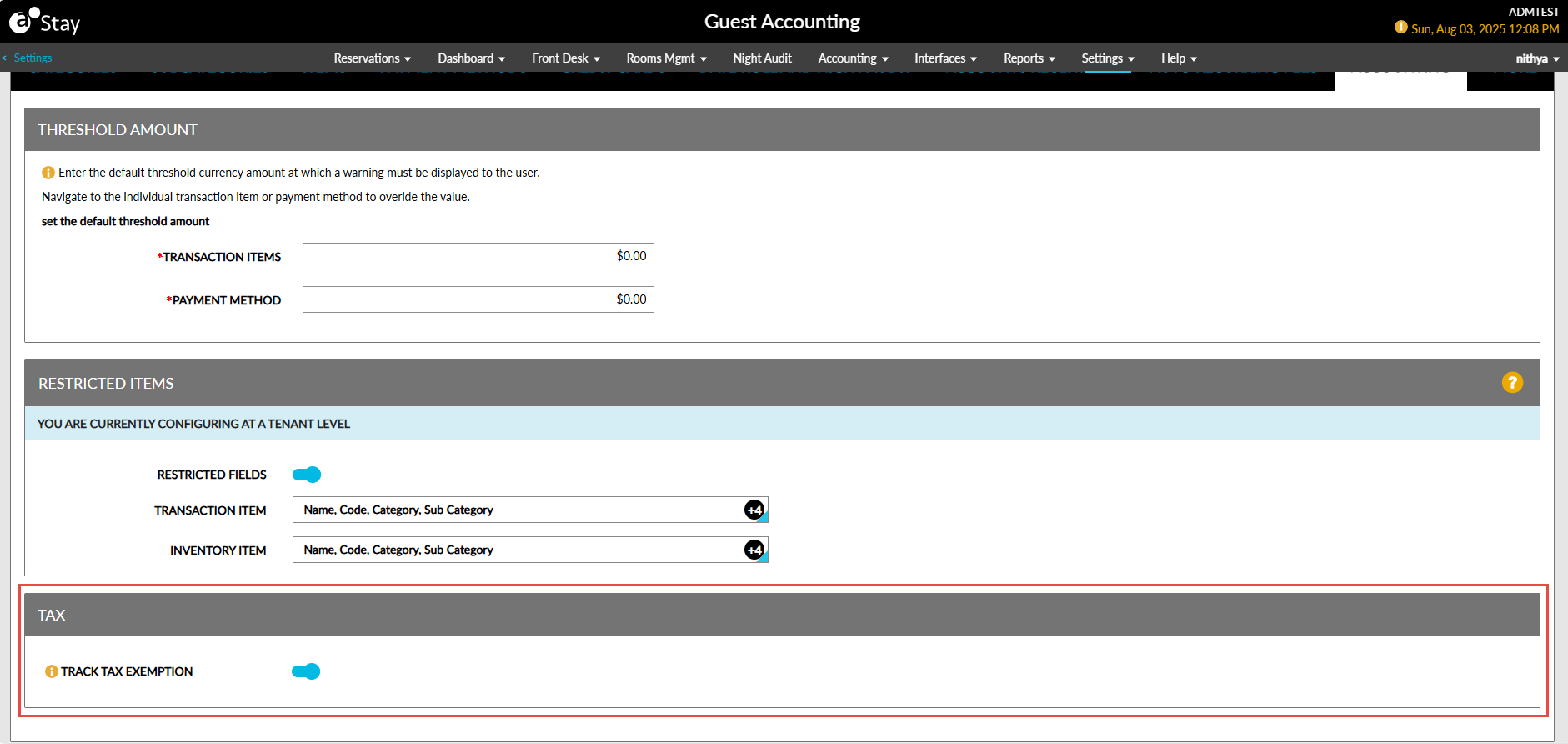
The tax-exempt amounts are tracked in Stay. Now, when a tax exemption is applied, the tax amount is first posted to the appropriate tax-exempt account before being adjusted to $0.00.
A new section, Tax, has been added to the Accounting tab of the Guest Accounting screen. This section displays the Track Tax Exemption flag. This flag supports the following functionality:
-
When enabled, the tax amount will be posted to the tax-exempt accounts initially and then adjusted to $0.00.
-
When disabled, the tax amount will be posted directly as $0.00 to the tax-exempt accounts. This flag is disabled by default.